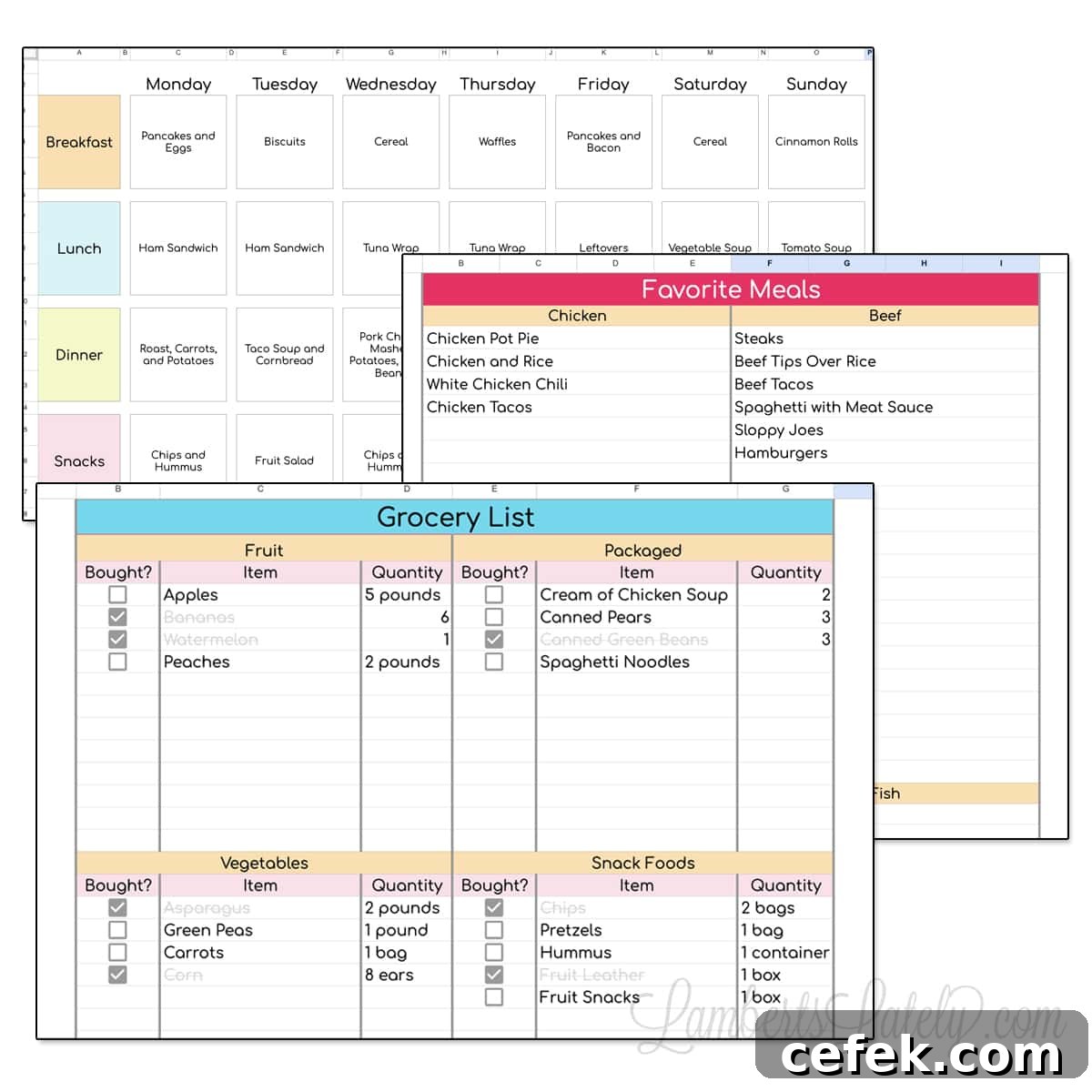
Download this free Google Sheets meal plan template that includes a weekly planner, a categorized grocery list, and a list for your favorite meals to streamline your weekly cooking.
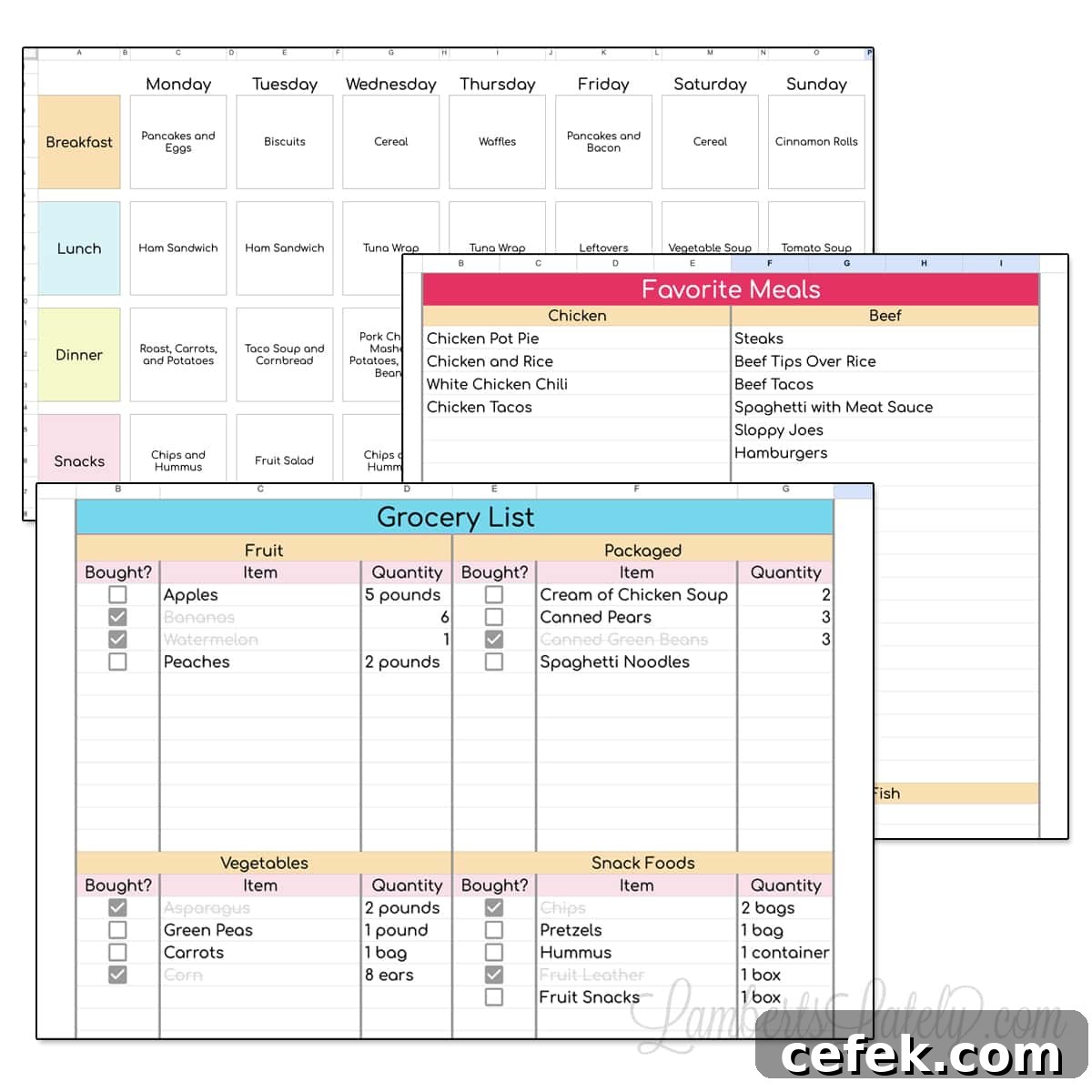
(Click here to skip straight to the download section.)
Following the travel itinerary Google Sheets template I shared recently, here’s another useful and user-friendly Google Sheets template — this one focused on meal planning. It’s designed to simplify weekly meal decisions and make grocery shopping faster and less stressful.
Why use a weekly meal planner?
A weekly meal planner saves time, money, and energy. Spend 20–30 minutes each week planning your meals and you’ll avoid last-minute decisions, unnecessary takeout, and wasted groceries. Writing your plan down frees up mental space and keeps the whole household organized.
If you’re a visual thinker, having the plan laid out in front of you helps turn ideas into a clear, actionable list. You can stop trying to remember nightly meals and instead follow a simple, consistent plan. A printed copy can live on the fridge or a family bulletin board, and the Google Sheets file is easy to share with family members or roommates.
How to Use This Meal Planning Template
This meal planner is built in Google Sheets and is free to use with a Google account. Click the download link in the download section to make your own copy. You can then open it on the Google Sheets website or the Google Sheets mobile app so it’s available on the go.
There are two versions available: a simple, free spreadsheet (shown here) and a more advanced, paid version offered in my shop with additional automation and features. Below are the main tabs included in the free version and how to use each one effectively.
Weekly Meal Planner Tab
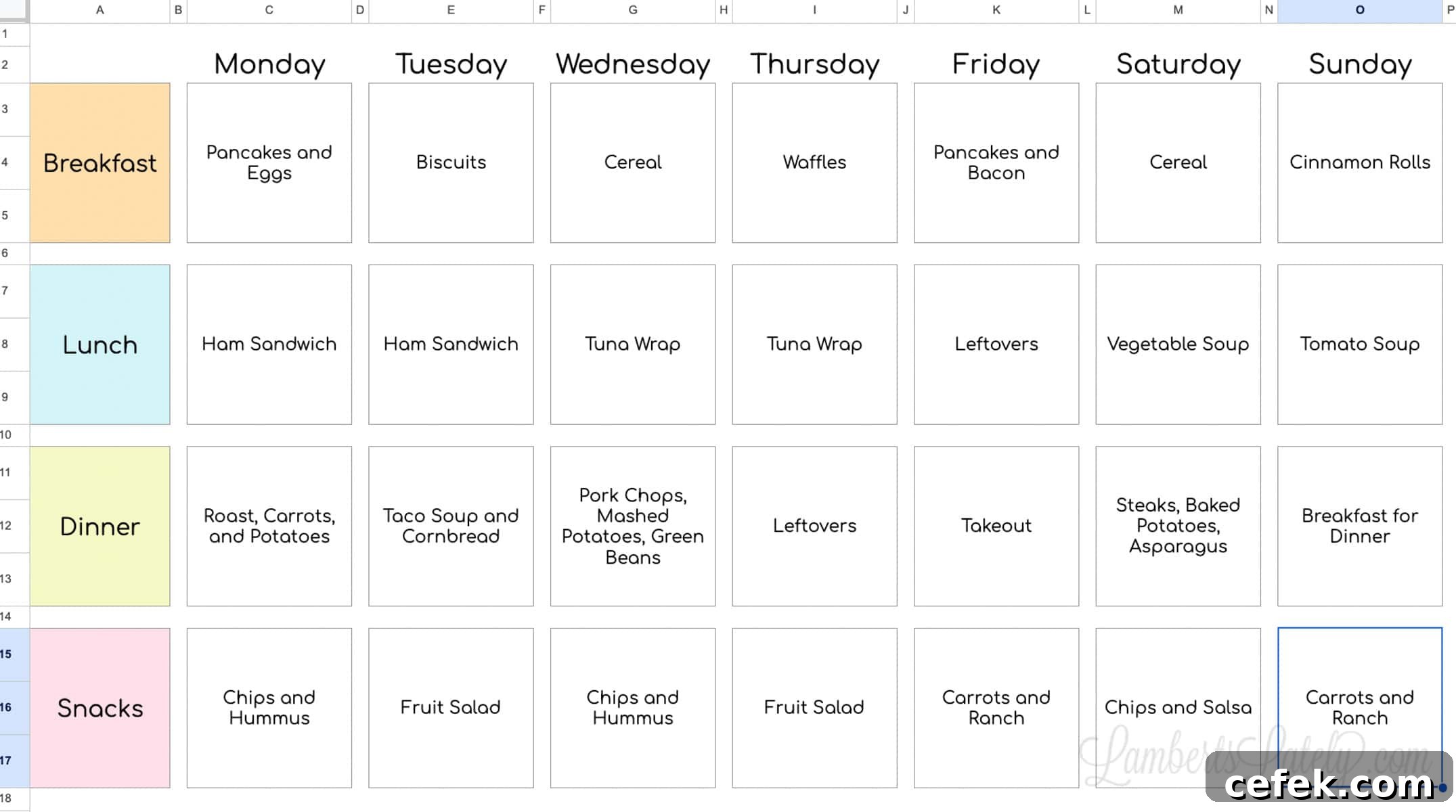
This tab is a clear, printable weekly grid for breakfasts, lunches, dinners, and snacks. I recommend setting aside time once a week — Sunday works well for many — to plan at least 4–5 dinners and fill in breakfasts and lunches as needed.
Start by checking your pantry and freezer so you can plan around ingredients you already have. This approach reduces waste and keeps your grocery list shorter. Allow 1–2 leftover days during the week to stretch meals and reduce cooking pressure.
The tab is formatted to print on standard 8.5×11″ paper, making it convenient to post on your fridge or a family board.
Favorite Meals Tab
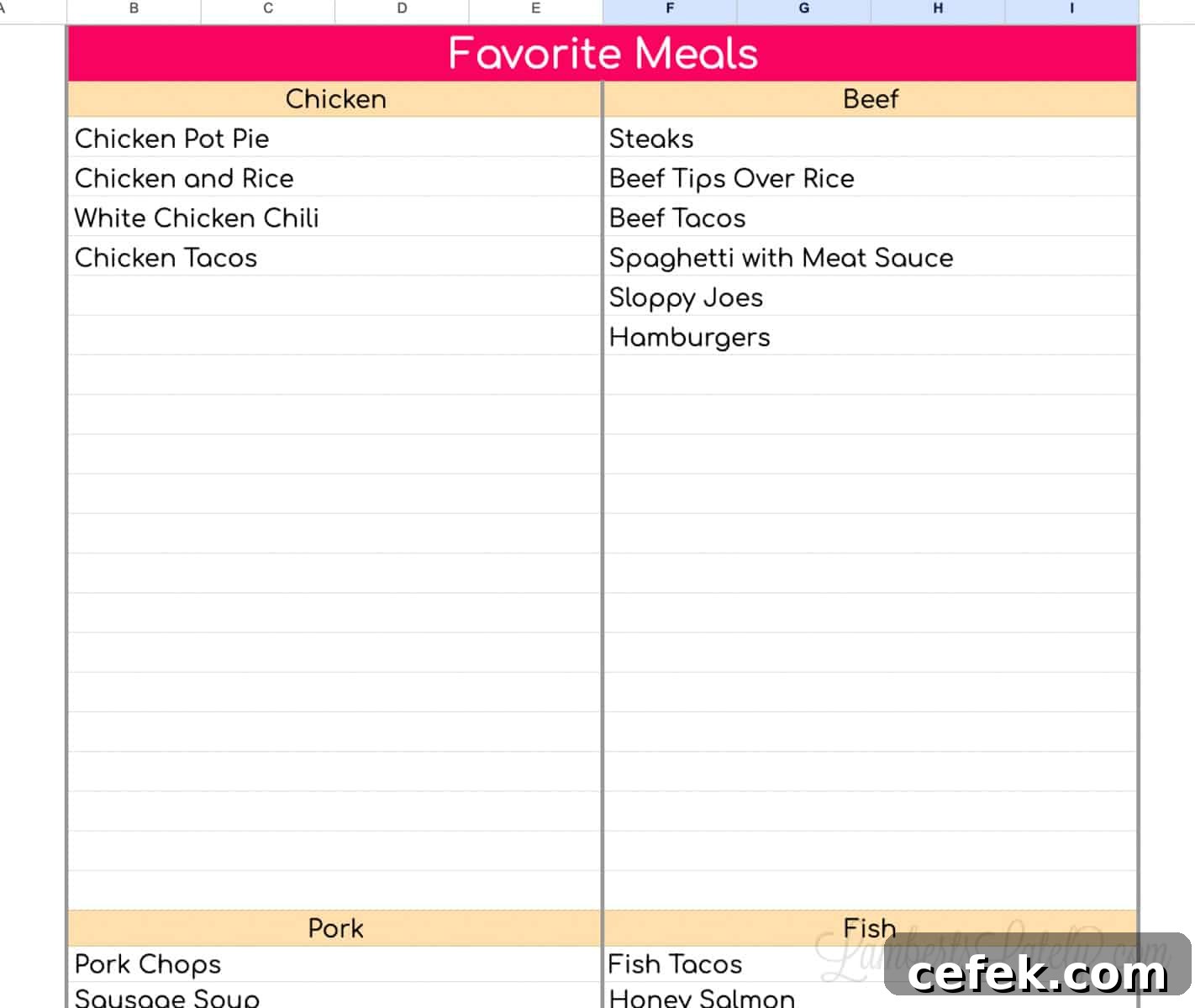
Use this tab as a running list of go-to meals. It’s organized by main protein — chicken, beef, pork, fish, vegetarian options — so it’s quick to scan when you need inspiration. Over time, your list grows into a reliable bank of recipes and meal ideas to plug into the weekly planner.
Shopping List Tab
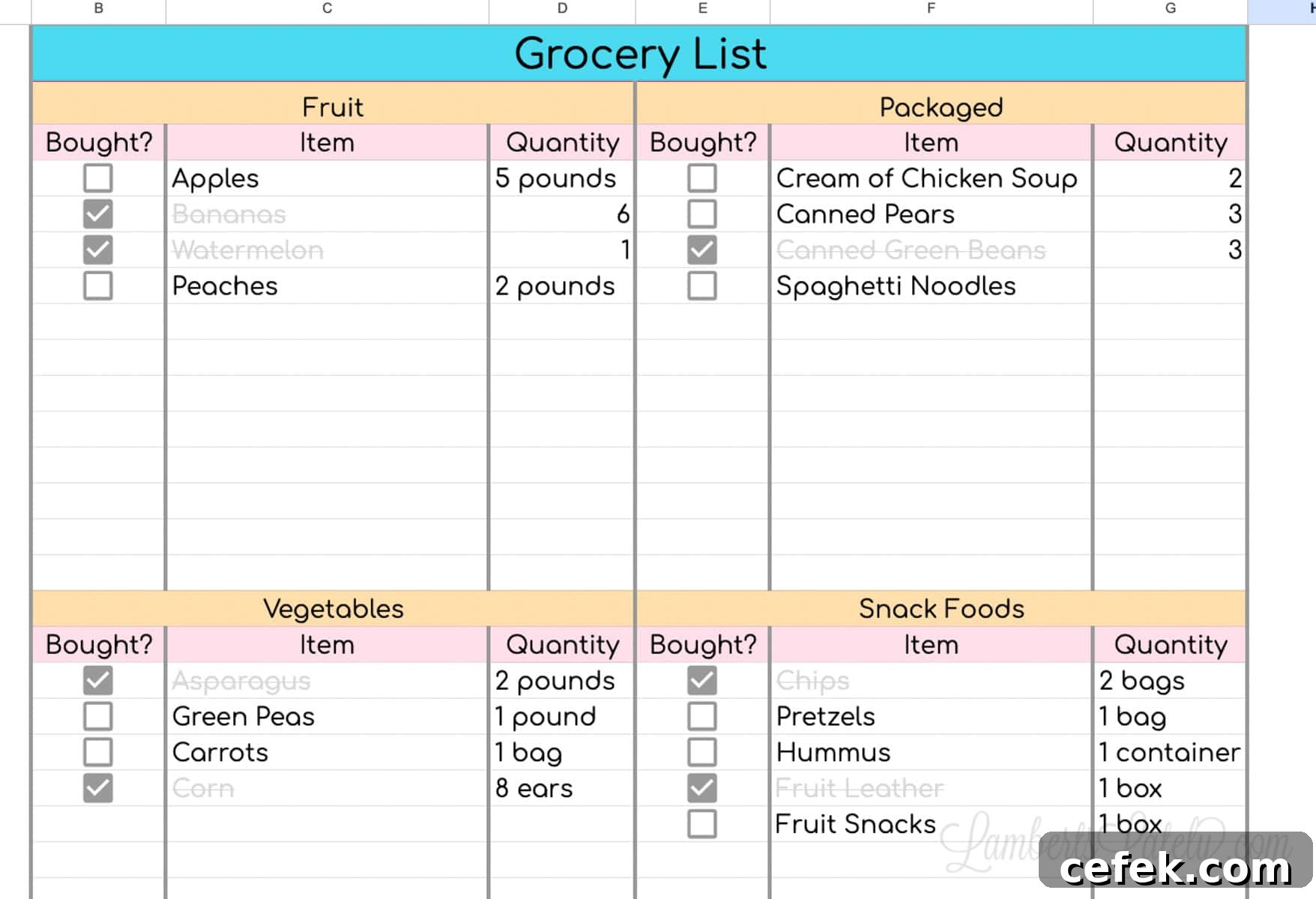
Once your meals are planned, move each recipe’s ingredients to the shopping list. The list is organized by grocery category (produce, dairy, pantry, meat, frozen, etc.), which speeds up shopping trips and reduces backtracking in the store.
There’s space to note quantities needed for the week. As you mark items off while shopping, they visually indicate completion so you can quickly see what remains on the list.
If you like coordination, there’s a matching Weekly & Monthly Google Sheets Planner Template that pairs nicely with this meal planner.
Grab Your Free Meal Planning Template
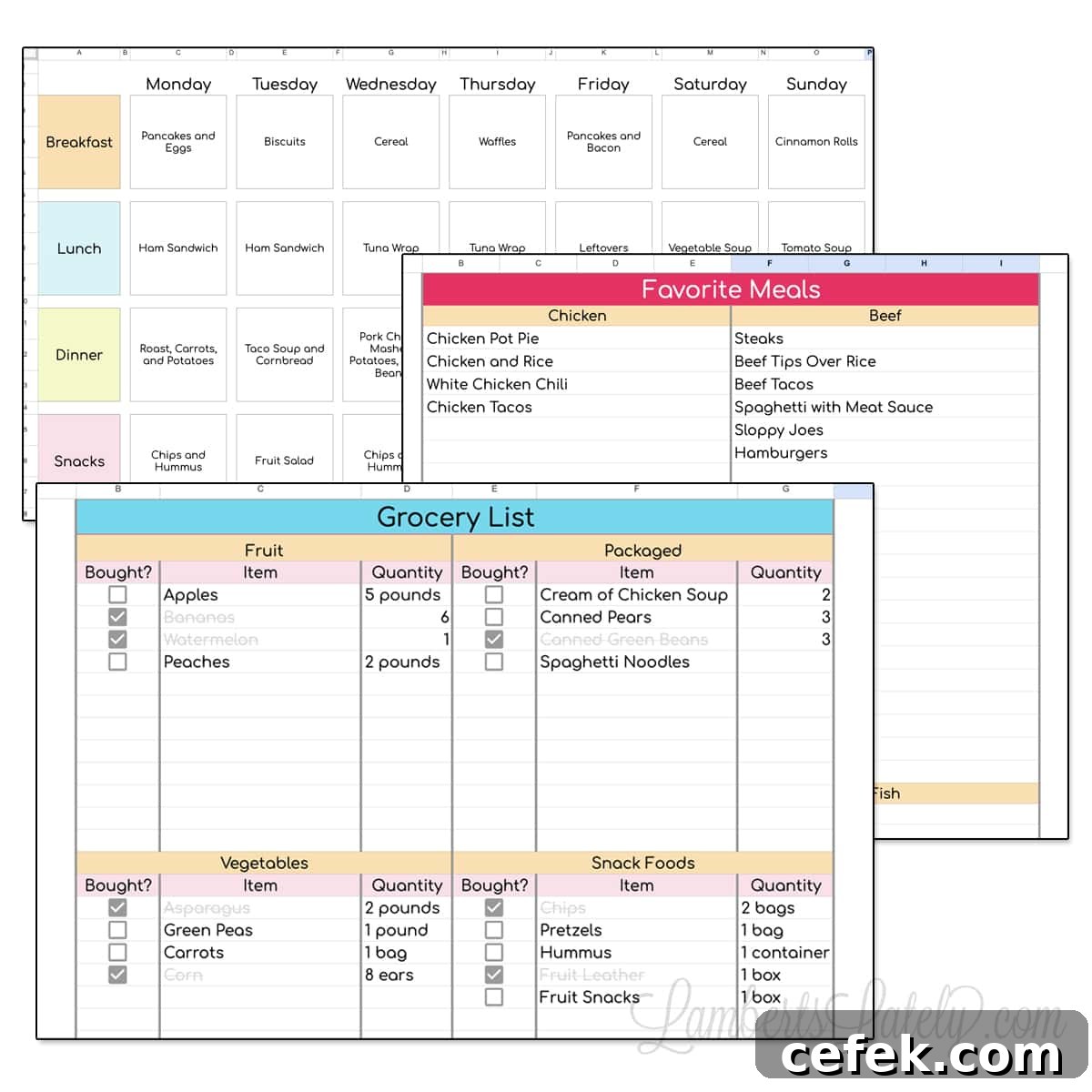
This download includes three tabs—Weekly Meal Planner, Favorite Meals, and Shopping List—provided in a clean, printable Google Sheets file.
To get the free Google Sheets meal planner, fill out the download form or use the provided link in the download area. You’ll receive instructions to copy the spreadsheet into your Google Drive and start planning right away.
Upgrade Your Meal Planner
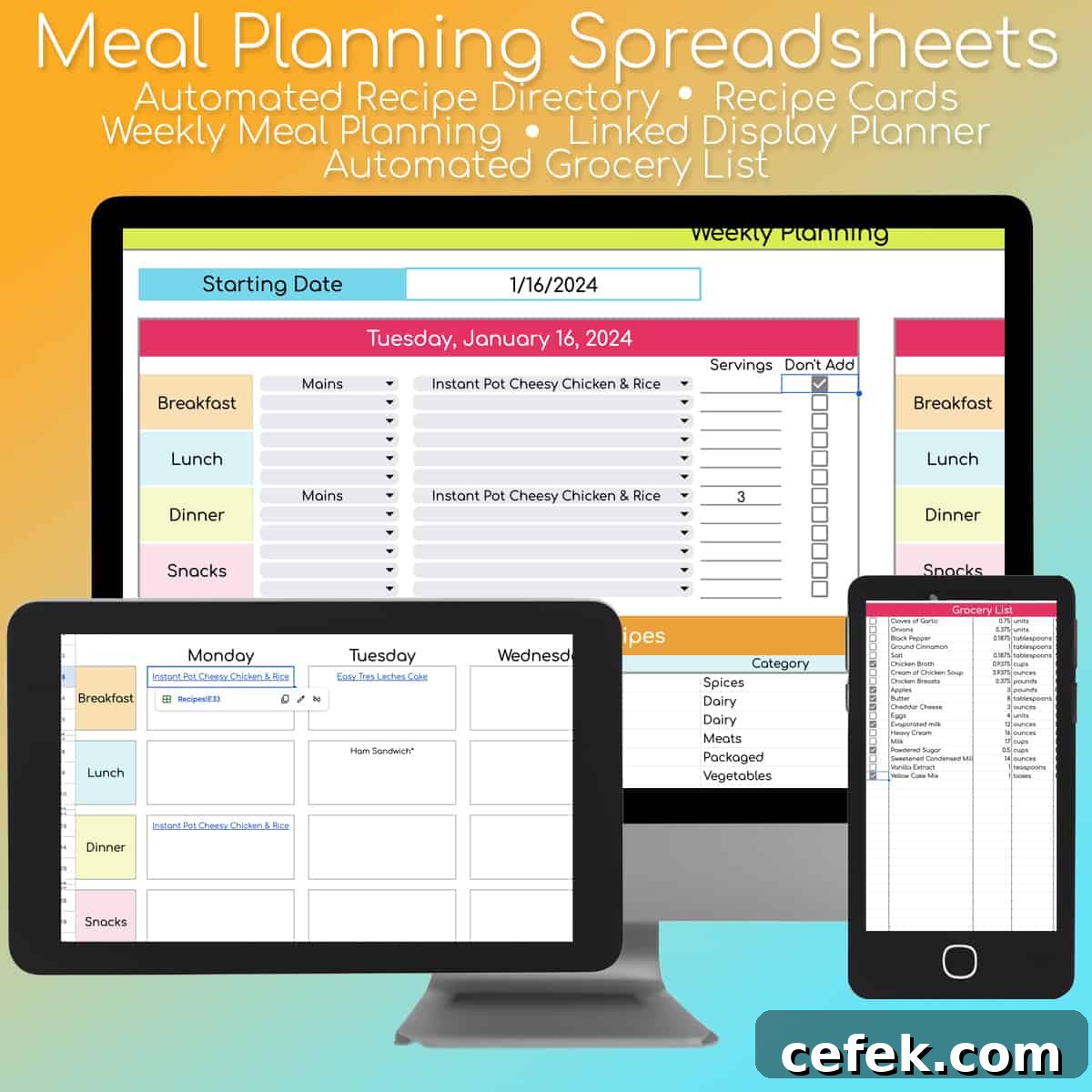
If you want more automation, consider the premium meal-planning spreadsheet available for purchase. The advanced version includes nearly 100 recipe cards you can populate with your own recipes, a recipe directory, and an automated grocery list that updates as you add meals to your weekly plan.
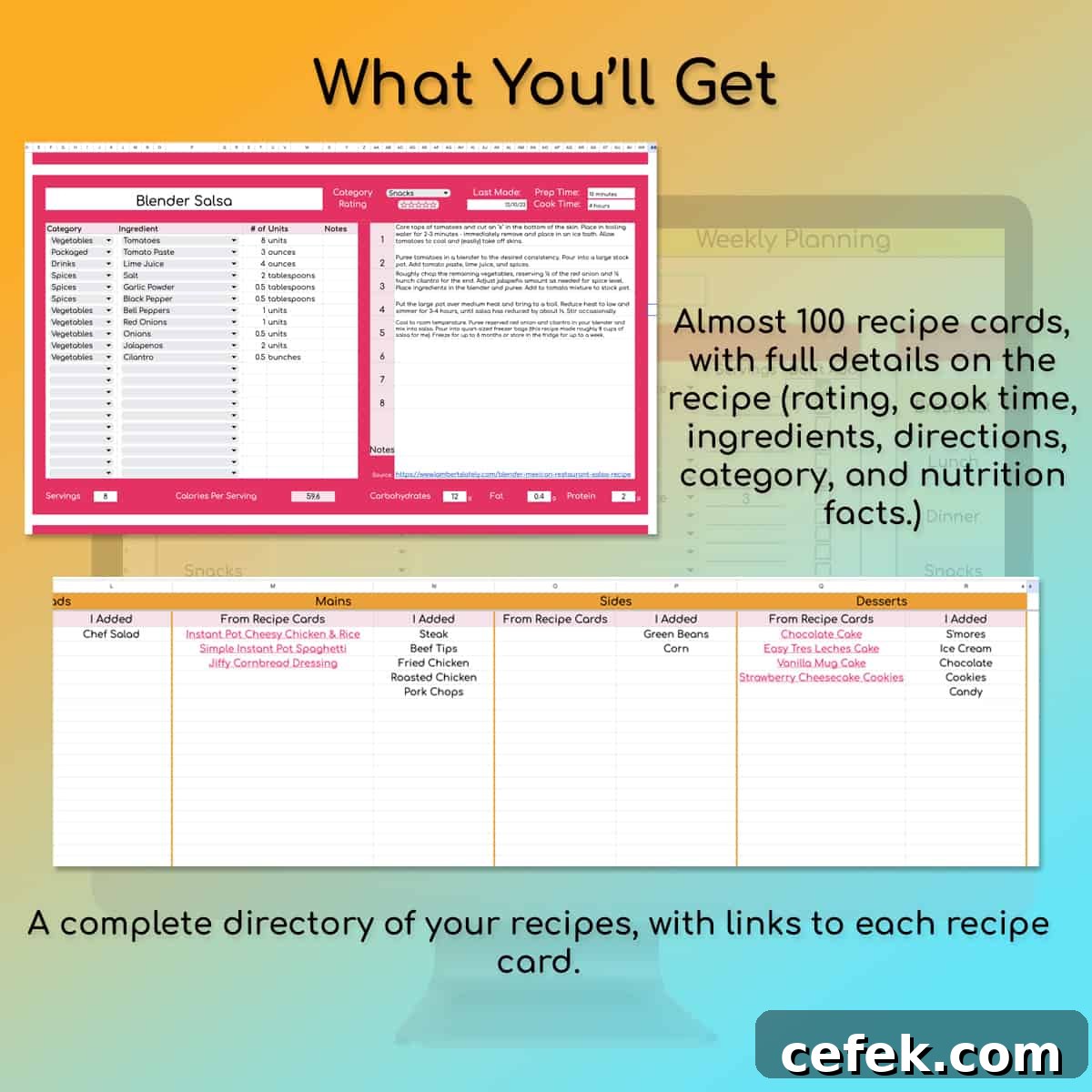
With the paid version, selecting meals for your week links directly to recipe cards for quick access while cooking. The grocery list compiles all ingredient quantities automatically and remains editable, so you can add household essentials or last-minute items before heading to the store.
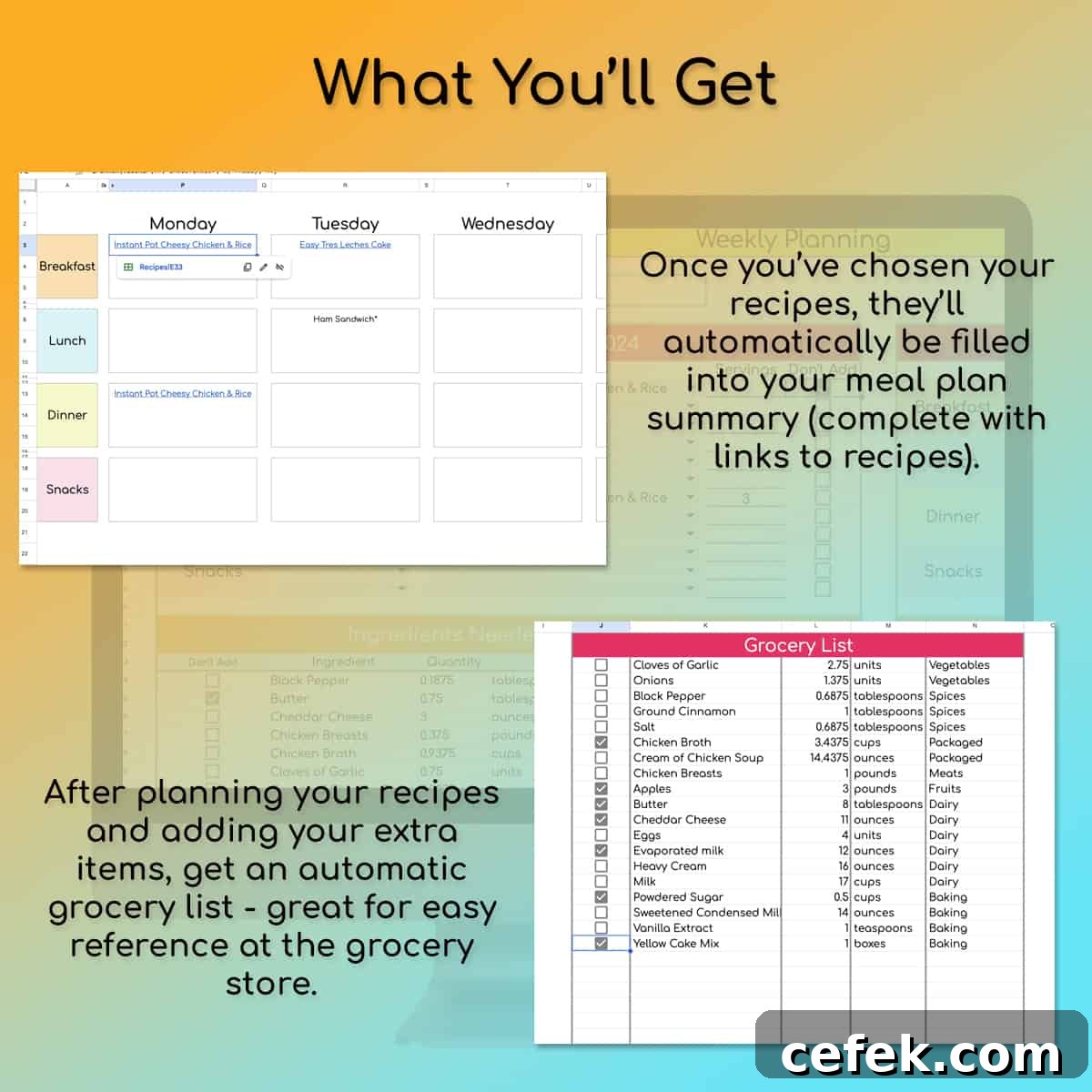
The premium planner is designed to take the heavy lifting out of meal prep: enter recipes once, pick meals each week, and let the sheet create the shopping list for you.
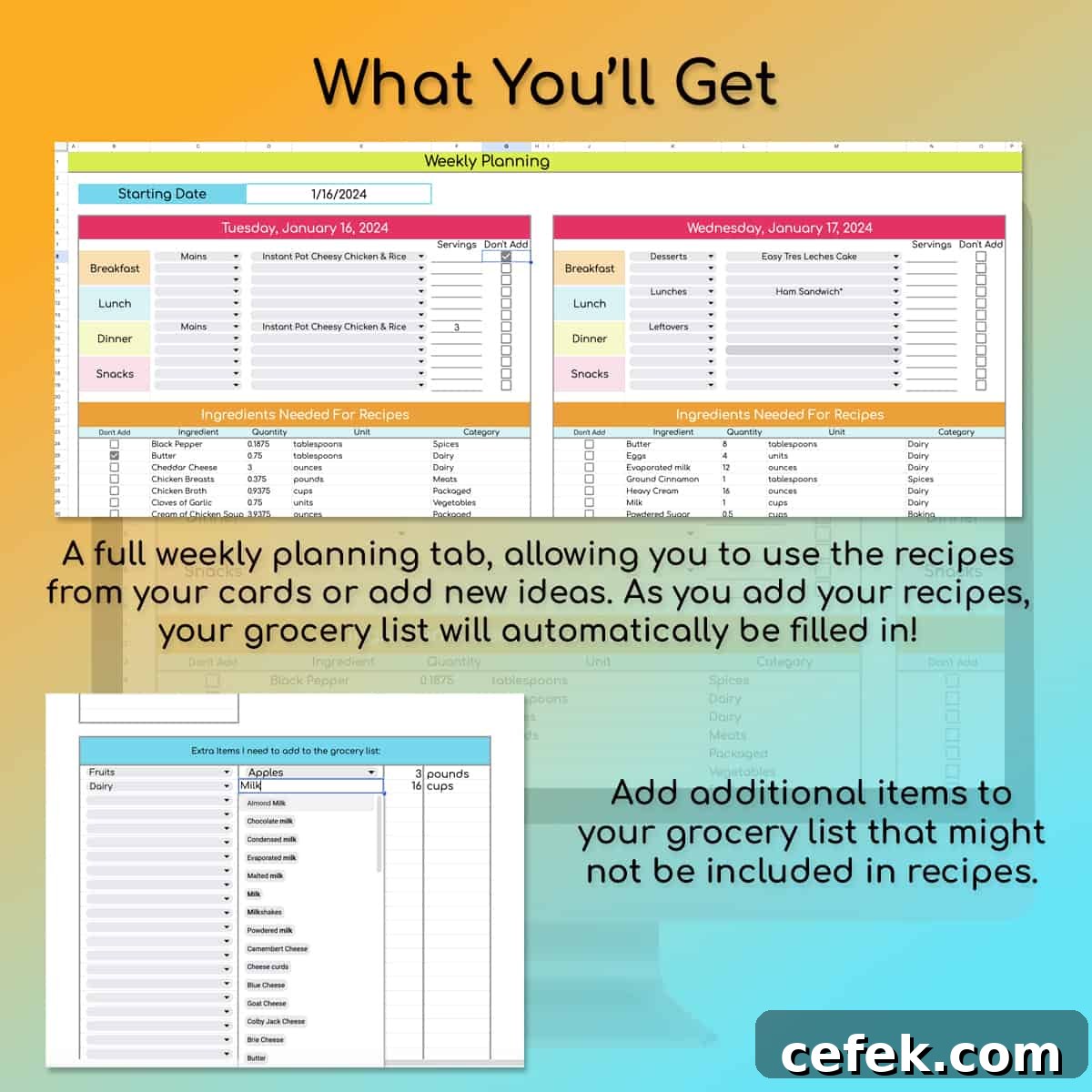
If you’d like more details about the full-featured meal-planning spreadsheets, check the meal planning product listing in the shop or review the product description to see if it fits your workflow.
Happy planning and enjoy the extra time and clarity that a simple meal plan can bring to your week!
More Meal Planning
- Weekly Meal Planner Templates (Free Printables!)
- Air Fryer Meal Prep – Make 10 Easy, Tasty Freezer Meals
- 48 Free Printable Recipe Cards (Blank Editable PDF)
- Instant Pot Freezer Meals: 33 Make-Ahead Dinners in One Day